Why Universal Garage Door Opener Codes Matter
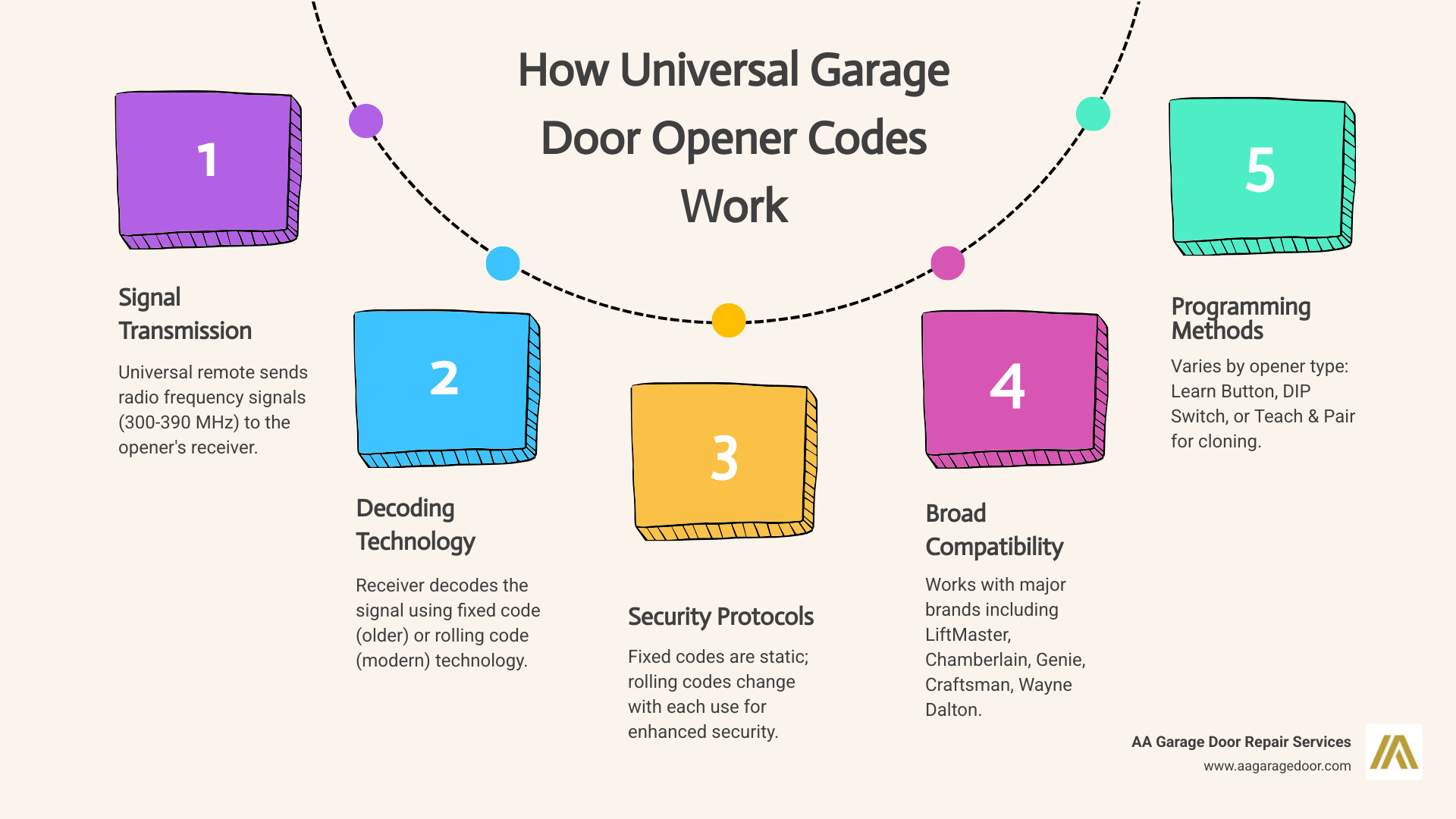
Universal garage door opener codes allow a single remote or keypad to control multiple garage door brands without needing the original manufacturer’s device. This technology works by programming the universal device to match your specific opener’s radio frequency and security protocol, and it fits perfectly alongside full-service solutions like professional garage door repair and opener service from AA Garage Door Repair Services. Within minutes, most homeowners can restore access even after losing an original remote.
Quick Answer: How to Use Universal Garage Door Opener Codes
- Identify your opener type – Check for a Learn/Program button (modern openers) or DIP switches (pre-1993 models)
- Find the correct frequency – Most openers use 300, 310, 315, or 390 MHz
- Determine the programming method – Learn Button, DIP Switch, or Teach & Pair
- Follow brand-specific steps – Enter Opener ID codes and follow prompts
- Test the connection – Verify the door opens and closes properly
If you’re standing in front of your garage with a lost remote or broken opener button, you know the frustration. Maybe you’ve moved into a new home and the previous owners took the remotes. Or perhaps you need to control two different garage doors but don’t want to carry multiple clickers. Universal remotes solve many of these problems, but for persistent issues, the expert team at AA Garage Door offers comprehensive solutions for homeowners.
These devices communicate with garage door openers by transmitting radio frequency signals at common frequencies like 310 MHz, 315 MHz, and 390 MHz, which are regulated by the Federal Communications Commission. Modern universal remotes use rolling code technology that changes the security code with each button press, making them just as secure as original manufacturer remotes. For readers who want a deeper technical background, the FCC explains how these frequencies are allocated in its guidance on Part 15 radio devices).
The programming process typically involves locating your opener’s Learn button, entering specific codes, and syncing the devices. For older systems with DIP switches, you’ll need to match physical switch positions instead. While this might sound technical, most homeowners can complete the setup in under 10 minutes.
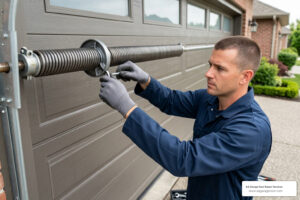
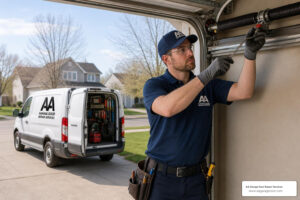
For complex compatibility issues or if you need professional assistance, expert help is available. Sometimes the issue isn’t the remote at all—it could be receiver problems, wiring issues, or sensor malfunctions that require professional diagnosis.
I’m David Sands, owner of AA Garage Door LLC with over 23 years of hands-on experience helping Twin Cities homeowners troubleshoot and program universal garage door opener codes for virtually every major brand. Throughout my career, I’ve programmed hundreds of universal remotes and keypads, from simple single-button clickers to complex multi-door systems with rolling code security.
Relevant articles related to universal garage door opener codes:
What Are Universal Garage Door Remotes and How Do They Work?
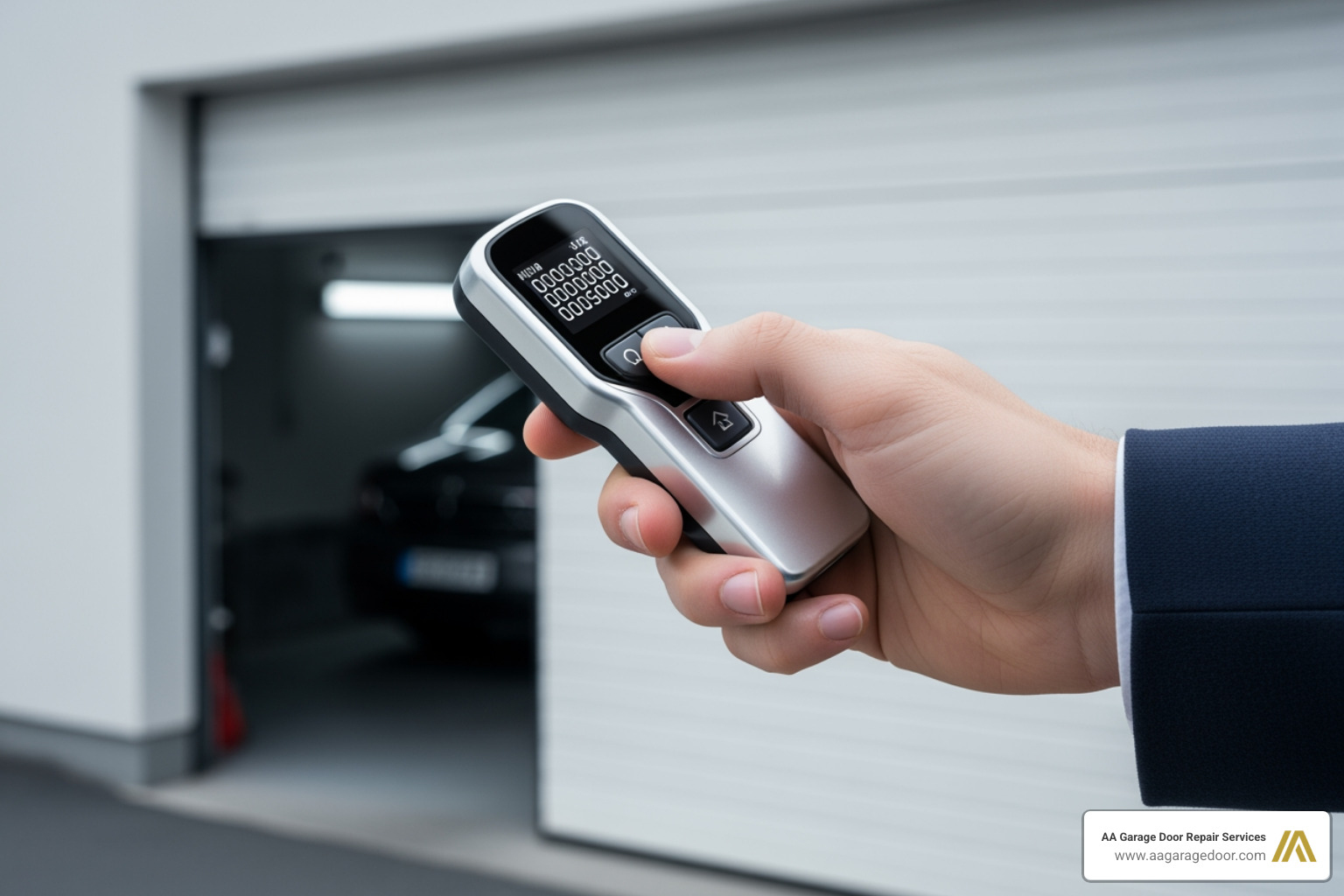
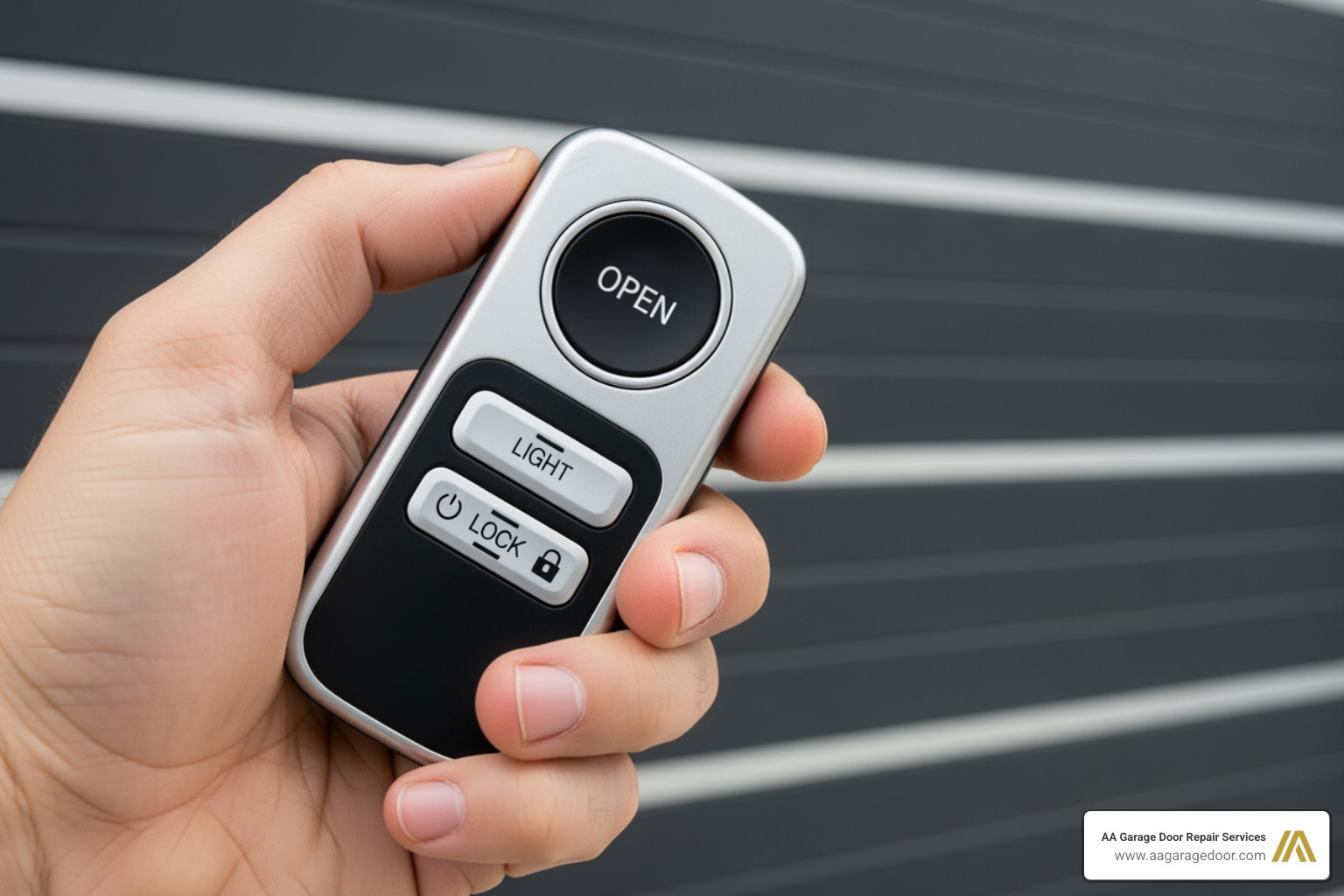
A universal garage door opener remote is a single device designed to operate various garage door openers from different manufacturers. Instead of needing a separate remote for each brand or even each garage door, a universal remote can learn and mimic the signals required to open and close your doors. Think of it as the Swiss Army knife of garage door access.
At their core, these remotes work through radio frequency (RF) communication. When you press a button, the remote sends a specific radio signal to the garage door opener’s receiver. This signal carries a “code” that the opener recognizes, telling it to activate the motor. The most common frequencies used for garage door openers are 300 MHz, 310 MHz, 315 MHz, and 390 MHz, all regulated by the Federal Communications Commission (FCC) to prevent interference with other devices. For a broader overview of how RF remotes operate, see the article on remote keyless systems.
The benefits of using a universal garage door remote are clear:
- Convenience: Consolidate multiple remotes into one, reducing clutter and the hassle of carrying several devices.
- Cost-effectiveness: Often more affordable than purchasing brand-specific replacement remotes, especially if you have multiple openers or need to replace a lost one.
- Flexibility: Great for households with multiple drivers, allowing everyone to have access without needing to buy several expensive OEM remotes.
- Replacement: A lifesaver if your original remote is lost, broken, or if the manufacturer no longer produces compatible replacements.
Beyond just convenience, modern universal remotes incorporate sophisticated security technology. Older garage door remotes used “fixed codes,” meaning the same signal was sent every time, making them vulnerable to code grabbers. Today, most openers and universal remotes use “rolling code technology” (like LiftMaster’s Security+ or Genie’s Intellicode). This advanced system changes the code each time the remote button is pressed, creating billions of possible codes and significantly enhancing your home’s security. This means that even if someone were to “grab” a code, it would be useless for the next attempt. You can learn more about the different types of garage door remotes and their technologies by visiting our comprehensive guide to garage door remotes.
Determining Compatibility with Your Opener
Before diving into programming, the first and most crucial step is to determine if a universal remote is compatible with your existing garage door opener. Compatibility is not truly “universal” in the sense that one remote works with absolutely everything, but rather that it works with most major brands and technologies.
Here is what you need to look for:
Brand Compatibility: Most universal remotes are designed to work with popular brands such as:
- LiftMaster
- Chamberlain
- Craftsman
- Genie
- Overhead Door
- Linear
- Wayne Dalton
- Sommer
- Ryobi
- Guardian
- Xtreme
- Marantec
- Stanley
- FAAC
Always check the universal remote’s packaging or manual for a detailed list of compatible brands and models.
Opener’s Security Type: This is key. Garage door openers primarily use two types of coding:
- Rolling Code (Modern Openers): These openers typically have a “Learn” or “Program” button on the motor unit. The color of this button often indicates the specific security protocol and frequency. For example, Chamberlain, LiftMaster, and Craftsman openers use different colored Learn buttons:
- Purple Learn Button: Security+ 2.0 (310, 315, 390 MHz)
- Red/Orange Learn Button: Security+ (390 MHz)
- Green Learn Button: Billion Code (390 MHz)
- Yellow Learn Button: Security+ 2.0 (310, 315, 390 MHz, often with Wi-Fi capability)
- Fixed Code (Older Openers): These older models (some pre-1993) use physical DIP switches (small switches that can be set to ON/OFF or +/0/- positions) on the motor unit and sometimes on the original remote. Universal remotes compatible with these will require you to match the switch pattern.
- Rolling Code (Modern Openers): These openers typically have a “Learn” or “Program” button on the motor unit. The color of this button often indicates the specific security protocol and frequency. For example, Chamberlain, LiftMaster, and Craftsman openers use different colored Learn buttons:
Manufacturing Date: This is a big one. Some very old models (pre-1993) may not have rolling code technology and might not be compatible with many modern universal remotes. Furthermore, federal safety regulations require residential garage door openers manufactured after 1993 to have photoelectric safety sensors. Most universal remotes are designed to work only with openers that have these sensors in place and functioning. The U.S. Consumer Product Safety Commission summarizes these requirements in its overview of automatic garage door opener safety standards.
To determine your opener’s specifications, check the motor unit itself – usually on the back or side. You will often find a label with the brand, model number, and sometimes the frequency or the color of the Learn button. If you have the original owner’s manual, that is an even better resource!
Your Guide to Programming with Universal Garage Door Opener Codes
Programming a universal garage door opener can seem daunting, but once you understand the basic methods, it is a straightforward process. Before you begin, always ensure the garage door is closed, and perform a quick safety check to confirm your photocells (safety sensors) are operational. These sensors, located near the bottom of your garage door tracks, are crucial for preventing the door from closing on obstructions.
Here is a quick overview of the main programming methods:
| Programming Method | Opener Type Compatibility | Difficulty | Tools Needed |
|---|---|---|---|
| Learn Button | Modern openers with rolling codes (LiftMaster, Genie, Chamberlain, etc.) | Easy | Universal Remote |
| DIP Switch | Older openers with fixed codes (pre-rolling code) | Medium | Small screwdriver (optional) |
| Teach & Pair (Cloning) | Any opener with a working original remote to clone from | Easy | Universal Remote, Original Remote |
Programming Universal Garage Door Opener Codes with the “Learn Button”
This is the most common and generally easiest method for programming universal remotes with modern garage door openers that use rolling code technology.
Here is how we do it:
- Locate the Learn/Program Button on Your Opener: This button is usually on the back or side of the garage door opener motor unit, or sometimes on a wall control panel. It is often colored (purple, red/orange, green, or yellow) and may be labeled “Learn” or “Program.”
- Activate Learn Mode: Press and immediately release the Learn button. An indicator light on the opener will typically illuminate steadily for about 30 seconds, signaling that it is ready to learn a new remote. Do not hold the button down for too long (more than 2–3 seconds), as this can accidentally erase all existing remotes from the opener’s memory.
- Program Your Universal Remote: Within the 30-second window, press and hold the desired button on your universal remote.
- Confirm Programming: Continue holding the remote button until the garage door opener’s lights blink (usually twice) or you hear two clicks. This indicates successful programming. Release the button on your universal remote.
- Test the Remote: Press the newly programmed button on your universal remote to ensure it operates the garage door correctly.
If it does not work on the first try, try again. Sometimes it takes a couple of attempts. Ensure you are within range of the opener and that the remote’s battery is fresh. For more detailed guidance on resetting and reprogramming, check out our guide on how to reprogram your garage door opener.
Programming for DIP Switch Systems (Fixed Codes)
For older garage door openers that predate rolling code technology, you will likely find DIP switches. These are small, numbered switches that can be set in various positions (for example, ON/OFF, UP/MIDDLE/DOWN, or +/0/-). This system relies on matching the code sequence between the remote and the opener.
- Locate the DIP Switches: You will typically find these on the back of the original garage door remote, or inside the cover of the garage door opener’s motor unit. Note the exact positions of each switch.
- Identify Switch Type: DIP switches can be binary (two positions: ON/OFF or UP/DOWN) or trinary (three positions: UP/MIDDLE/DOWN or +/0/-).
- Convert Switch Positions (if necessary): Some universal remotes require you to convert the physical switch positions into a numerical code. For example:
- Trinary: UP or “+” = 1, MIDDLE or “0” = 2, DOWN or “-” = 3
- Binary: UP or “+” = 1, DOWN or “-” = 2
Notate this converted code.
- Set Your Universal Remote: Follow the instructions for your specific universal remote model. This usually involves entering a pre-defined “Opener ID” for the brand, and then inputting the converted DIP switch code using a sequence of button presses on the universal remote. For an example, you can refer to programming instructions for specific models like the LiftMaster 387LM & 387LMC Universal Wireless Keyless Entry, which often detail DIP switch conversion.
- Test the Remote: Once programmed, test the universal remote to ensure it activates your garage door opener.
The DIP switch approach is a classic example of fixed-code security, which is further explained in the context of remote controls in resources like the rolling code article.
Using the “Teach & Pair” or Cloning Method
The “Teach & Pair” or cloning method is a convenient option if you have a working original remote and want to transfer its code to a universal remote, especially if the Learn button on your opener is hard to access or if you are having trouble with other methods.
- Prepare the Universal Remote: Clear any existing programming on your universal remote if needed (refer to its manual for instructions).
- Position Remotes: Hold your existing, functional garage door remote and the new universal remote very close together, typically within 1 to 4 inches.
- Initiate Cloning: Follow the specific instructions for your universal remote. This often involves pressing and holding a combination of buttons on the universal remote until an LED light starts flashing.
- Transmit Code: While the universal remote is in “learning mode,” press and hold the button on your original remote that currently operates your garage door.
- Confirm Transfer: The universal remote’s LED light will typically change (for example, flash slowly, then rapidly, then stay solid) to indicate that it has successfully “learned” the code from your original remote. Release both buttons.
- Pair with Opener (if required): Some universal remotes may then require you to briefly activate your garage door opener’s Learn button (as in the “Learn Button” method) and press the newly cloned button on the universal remote to finalize the pairing. This step ensures the opener adds the universal remote to its memory.
- Test the Remote: Press the programmed button on your universal remote to confirm it works.
Common Troubleshooting Steps
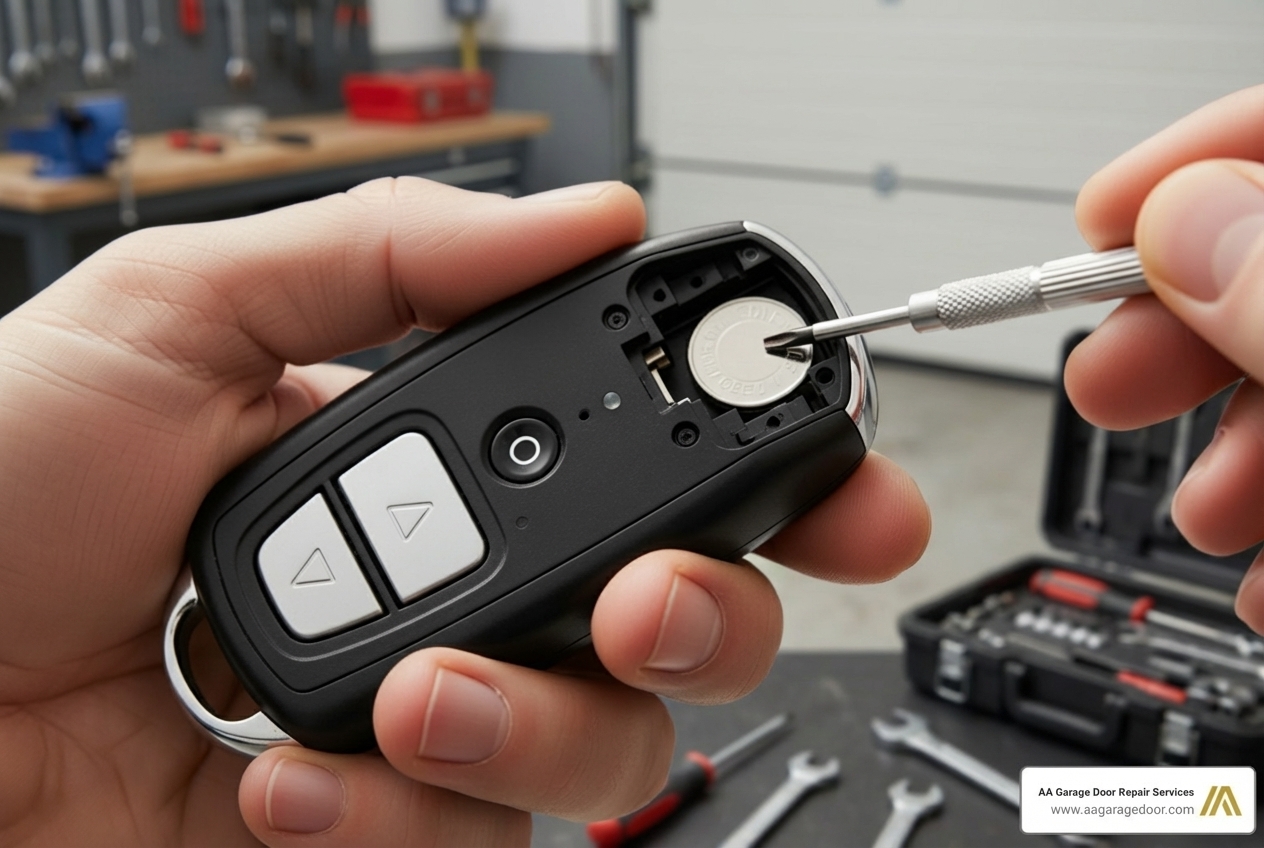
Even with the best intentions, sometimes universal remotes do not cooperate right away. Most issues can be resolved with a few common troubleshooting steps.
Remote Not Working At All:
- Check the Battery: This is the number one culprit. A dead or weak battery is often the reason a remote stops working. Most universal remotes use a CR2032 coin cell battery. Replace it with a fresh one and try again.
- Reprogram: Sometimes codes can get lost or corrupted. Try reprogramming the remote from scratch using the appropriate method (Learn Button, DIP Switch, or Teach & Pair).
- Clear Opener Memory: If you are having persistent issues or suspect conflicting codes, you can clear all existing remotes from your opener’s memory by holding down the Learn button for about 6–10 seconds until the indicator light goes out. Be warned: this will erase ALL programmed remotes and keypads, and you will need to reprogram them all.
Signal Interference:
- LED Lights: Some LED light bulbs in your garage door opener or in fixtures nearby can emit radio frequencies that interfere with your remote’s signal. Try removing or replacing LED bulbs temporarily to see if the remote works. The interference mechanism is similar to what is described for unintentional radiators in radio frequency interference.
- Other Electronics: Other devices, like baby monitors, wireless security cameras, or faulty electronics, can cause interference. Try to program and test your remote away from potential sources of interference.
Limited or Inconsistent Range:
- Opener’s Antenna: Check the antenna wire hanging from your garage door opener motor unit. Ensure it is hanging straight down and is not cut, damaged, or coiled up. Sometimes simply repositioning it can improve range.
- Battery: A weak battery can also reduce the remote’s effective range.
- Line of Sight: Ensure there are no major obstructions between your remote and the opener.
Original Remotes Stop Working After Programming:
- This usually happens if the Learn button on the opener was held down for too long (more than 2–3 seconds) during programming, which clears the opener’s memory. If this occurs, you will need to reprogram all your original remotes and keypads along with the new universal one.
If you have tried these steps and your universal remote is still giving you trouble, it might be time to consider if the issue lies with the garage door opener itself, rather than the remote. Regular maintenance can prevent many of these headaches. For more tips on keeping your system running smoothly, check out our garage door opener maintenance guide.
Keypads, Features, and Security
Choosing the right universal device, whether it is a handheld remote or a keypad, involves more than just basic functionality. It is about enhancing convenience, security, and making your daily life a little easier.
Essential Features and Security Implications of Universal Garage Door Opener Codes
When selecting a universal remote or keypad, consider these key features:
- Multi-Door Control: If you have more than one garage door, look for remotes with multiple buttons (2, 3, or even 4) that can be programmed independently to different openers. This allows you to control all your doors with a single device.
- Durability and Weather Resistance: Remotes and keypads live a tough life. Choose models designed to withstand drops, temperature fluctuations, and exposure to the elements, especially for outdoor keypads.
- Style and Attachment: Decide between a compact keychain remote, a larger visor clip model for your car, or a wall-mounted keypad. Each offers different advantages in terms of accessibility and portability.
Now, let us talk security. The codes themselves are the heart of your garage door’s security.
- Rolling Codes: Modern universal remotes compatible with rolling code technology offer excellent security. The code changes with every use, making it highly resistant to replay attacks and code grabbing. Rolling code systems are considered a best practice in consumer remote security and are discussed in more depth in references such as the rolling code entry.
- Fixed DIP Switch Codes: If your opener uses DIP switches, the security is inherently lower because the code remains static. While it is unlikely a random person would guess your specific DIP switch combination, these systems are more vulnerable to code scanning. If you have an older fixed-code opener, consider additional security measures like deadbolts on the interior garage door.
- Erasing Codes: A critical security practice is to erase all programmed codes from your garage door opener when you move or sell your home or vehicle. This prevents previous occupants or buyers from having unauthorized access. Most openers have a simple process (holding the Learn button for an extended period) to wipe all stored codes.
For more insights into what makes a garage door opener truly secure and reliable, you might find our guide on how to choose the best garage door opener helpful.
Universal Keypads vs. Remotes: Which Is Right for You?
While universal remotes are excellent for in-car access, universal keypads offer a different set of advantages:
Keypad Benefits:
- No Remote to Carry/Lose: You never have to worry about forgetting your remote or losing it. Your access is tied to a PIN code.
- Temporary PINs: Many universal keypads allow you to set temporary PINs for guests, delivery services, or maintenance personnel. This is convenient because you can grant access without handing out a physical remote and then easily delete the temporary code later.
- Emergency Access: Provides a way to enter your garage if you are locked out of your house or your remote battery dies.
Keypad Programming Process: Programming a universal keypad is very similar to programming a universal remote, often involving the same methods:
- Identify Opener Type: Determine if your opener has a Learn button or DIP switches.
- Find Opener ID: Keypads often require you to enter a specific “Opener ID” (a numerical code) that corresponds to your garage door opener’s brand and security type. These IDs are usually listed in the keypad’s manual.
- Enter PIN: You will set a personal 3–8 digit PIN code on the keypad.
- Sync with Opener: Use the Learn button method (pressing the Learn button on the opener, then entering your PIN and activating the keypad) or, for DIP switch models, enter the converted DIP switch code on the keypad.
For an exhaustive dive into everything about these convenient devices, explore our complete guide to garage door opener keypads.
Frequently Asked Questions about Universal Remotes
Are universal garage door remotes truly universal?
Most universal remotes are designed to work with the vast majority of garage door openers made after 1993 that use photoelectric safety sensors. However, they may not be compatible with very old (pre-1993) models or some obscure brands. Always check the remote’s compatibility chart before purchasing. While they cover the most common frequencies (like 300 MHz, 310 MHz, 315 MHz, and 390 MHz) and popular brands like LiftMaster, Chamberlain, Craftsman, Genie, and more, we always recommend double-checking your specific opener’s model.
Is a universal remote as secure as my original remote?
Yes, modern universal remotes that are compatible with rolling code technology are just as secure as the original manufacturer’s remote. They use the same encryption that changes the code with every press, preventing unauthorized access. If used with an older, fixed-code opener, the security is limited by the opener’s technology, not the remote itself. Today’s garage door clickers use rolling code technology where the code changes each time the remote button is pressed, making them highly secure.
Do I need to reprogram all my remotes if I program a new universal one?
No. Programming a new universal remote using the “Learn Button” method simply adds it to the opener’s memory. It does not erase or affect your other existing, functional remotes or keypads. The only time other remotes are affected is if you intentionally clear the opener’s memory (e.g., by holding the Learn button for an extended period), which would require you to reprogram all devices.
Conclusion
Universal garage door opener codes offer a remarkably convenient and secure solution for managing access to your garage. Whether you are consolidating multiple remotes, replacing a lost one, or simply want the flexibility of a keypad, understanding compatibility and programming methods empowers you to take control. For most homeowners in St. Paul, Baldwin, Woodbury, Hudson, and surrounding areas, programming a universal remote is a manageable DIY task. The key steps are always checking compatibility with your opener’s brand, frequency, and security type, and then following the specific programming instructions for your chosen device.
However, if you encounter persistent issues, complex system malfunctions, or prefer professional installation, AA Garage Door Repair Services is here to help. We provide expert assistance with all types of garage door openers, ensuring your system is functioning safely and efficiently. For fast, local support in the Twin Cities and Western Wisconsin, call us anytime at (651) 797-8446 for 24/7 emergency garage door service and honest, transparent pricing.